Camera Features
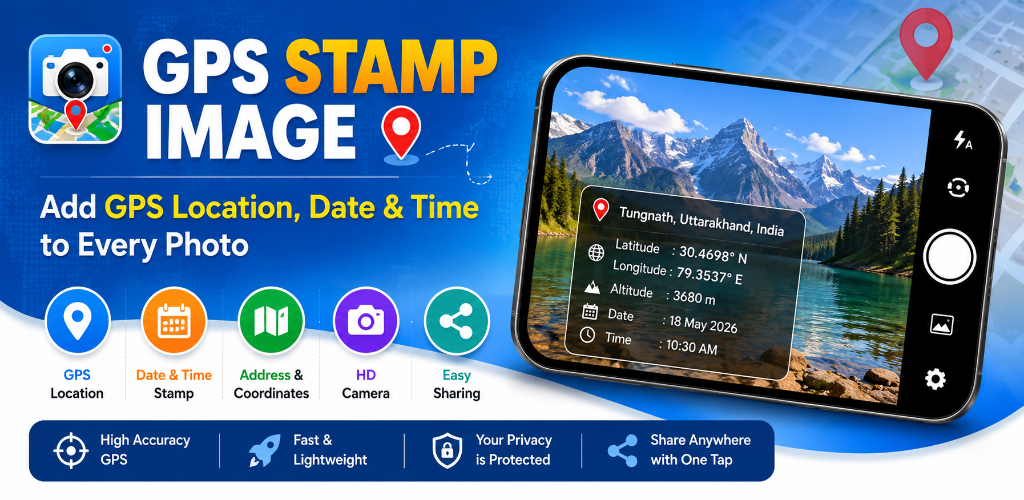
GPS Map Camera Capture Features: Zoom, Timer, Flash & Grid Guide
Explore pinch-to-zoom, zoom memory, 3x3 grid lines, flash cycling, self-timers, and physical volume shutters.
Live camera preview with zoom, reverse-geocoded address with country flags, latitude/longitude, map pin thumbnails, photo preview inspection, and 1-tap WhatsApp & Drive sharing.
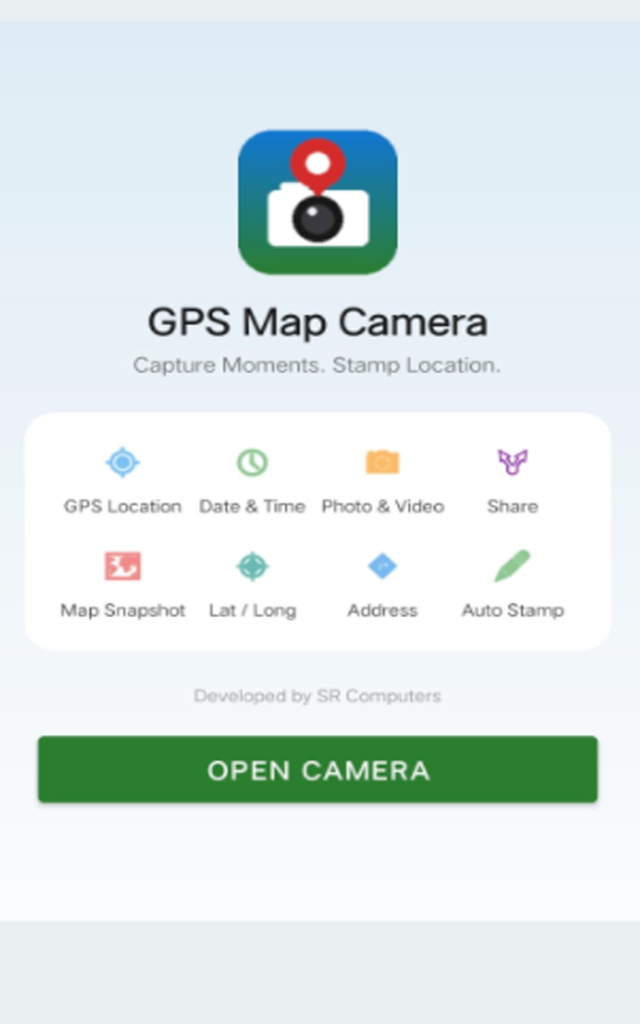
Explore the core module suites inside GPS Stamp Camara by SR Computers.
Live camera preview with pinch-to-zoom, zoom slider, +/- buttons (remembers last zoom level), photo/video mode toggle, flash cycling (Off/On/Auto), 3x3 grid lines, self-timer (3s/10s), tap-to-focus, and volume physical shutter.
Live location on screen before shooting, reverse-geocoded address with state, country & flag emoji, Lat/Long, updating date/time with GMT offset, map pin thumbnail (offline fallback), position (top/bottom), templates (Classic/Minimal/Dark), and opacity slider.
Full-screen zoomable preview with pinch, double-tap, and pan gesture controls, image rotation, EXIF metadata inspection (dimensions, file size, timestamp), and quick Save / Retake / Share / Delete controls.
Grid view of all captured media, instant search by filename, sort newest/oldest, star favorites filter, long-press multi-select for batch share/delete, and full-screen viewer with zoom.
Native Android share sheet integration for 1-tap direct exports to WhatsApp, Gmail, Google Drive, Telegram, and any app installed on your phone.
Stamps are automatically baked directly into the image upon capture — zero extra editing steps required!
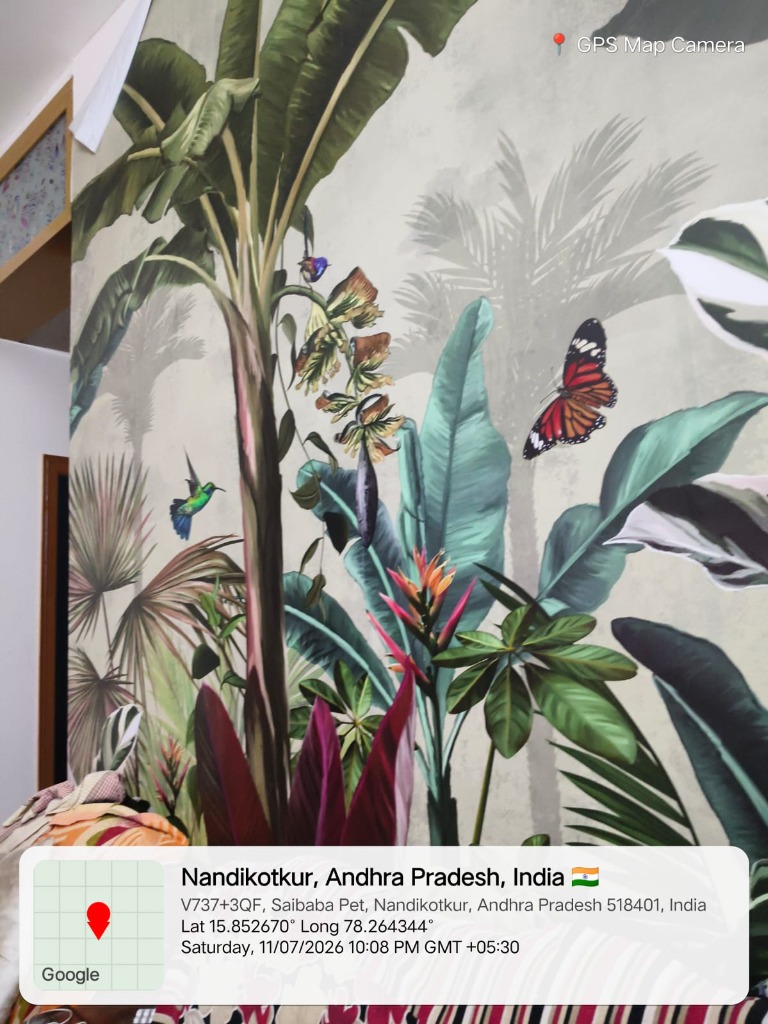
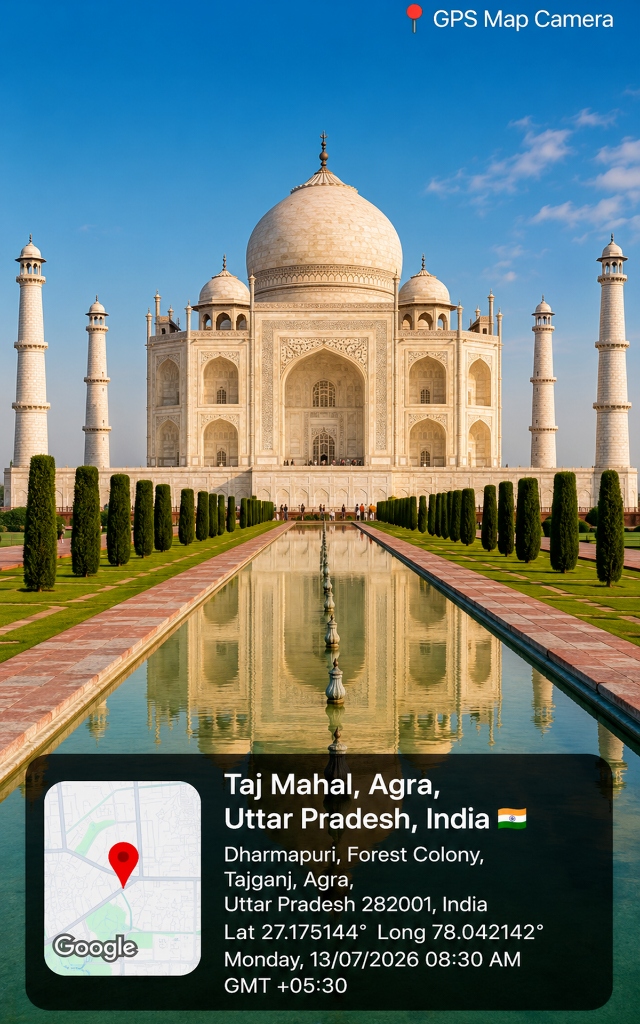
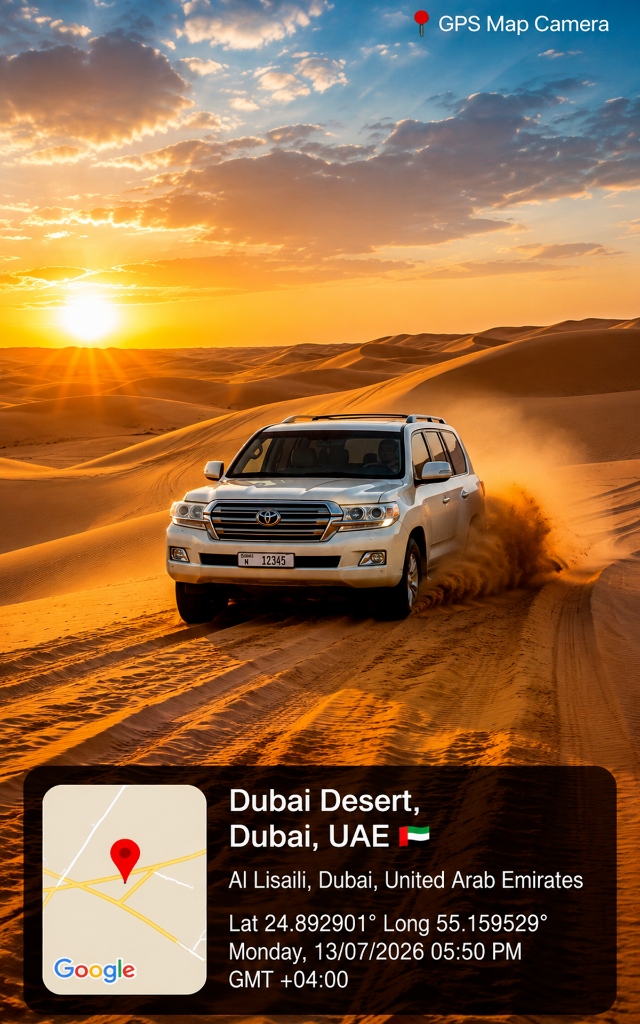
Real app screens and geotagged output captured with GPS Stamp Camara.
Geotagging your photos in four simple automated steps.
Launch GPS Stamp Camara and tap 'OPEN CAMERA' with live preview & zoom controls.
Point at your subject or site with 3x3 grid lines, tap-to-focus, or volume button shutter.
Review full-screen zoomable preview with auto-baked coordinates, map pin & flag emoji.
Save to gallery, star as favorite, or 1-tap batch share to WhatsApp, Gmail & Drive.
Essential for field documentation, compliance, proof of work, and verification.
Real-world examples captured using GPS Stamp Camara watermark overlays.
See what professional users are saying About GPS Map Camera Stamp.
"The live camera preview with pinch-to-zoom memory and tap-to-focus is brilliant. Volume shutter button works great with work gloves!"
"Love the photo preview screen before saving, plus instant 1-tap batch sharing to WhatsApp and Drive. Best GPS camera app by SR Computers!"
"Reverse-geocoded addresses with country flags and offline map thumbnail fallback make field survey reports super easy."
Find detailed answers About GPS Map Camera Stamp features and usage.
GPS Stamp Camara features live camera preview with pinch-to-zoom, zoom memory slider, photo/video modes, flash cycling (Off/On/Auto), 3x3 grid lines, self-timers (3s/10s), tap-to-focus, and physical volume button shutter support.
Before saving, the photo preview screen lets you inspect full-screen zoomable previews (pinch, double-tap, pan), rotate images, view EXIF metadata (dimensions, file size, timestamp), and Save, Retake, Share, or Delete with 1 tap.
The app uses native Android share sheet integration, enabling 1-tap direct sharing of single or batch geotagged photos to WhatsApp, Gmail, Google Drive, Telegram, and any installed app.
Learn best practices for camera controls, stamp templates, preview screen, gallery search, and native sharing.
Explore pinch-to-zoom, zoom memory, 3x3 grid lines, flash cycling, self-timers, and physical volume shutters.
Master stamp position (top/bottom), templates (Classic, Minimal, Dark), opacity sliders, and flag emojis.
Learn how to inspect full-screen zoomable previews, double-tap pan, inspect EXIF details, and retake shots.